
Skip to content

Live subtitles and translation, without a bot in every call

SubLive turns speech in any browser tab into live subtitles your team reads in its own language — no bot joins the meeting, no seats to license, and nothing is recorded unless you turn it on.

Your first minutes are free — no card.

Built for how companies actually work

No bot joins your call

SubLive runs inside your team's own browser tab. It never appears as a participant, a guest, or a recording bot in Google Meet, Zoom Web or Microsoft Teams — because it isn't one.

Audio is never stored

Speech is processed in memory and written to disk nowhere. A transcript exists only if someone explicitly turns it on for that conversation, and it expires on its own. Our servers are hosted in the EU. Subprocessors are listed publicly; some of them process data outside the EU.
No seats, no per-person licences

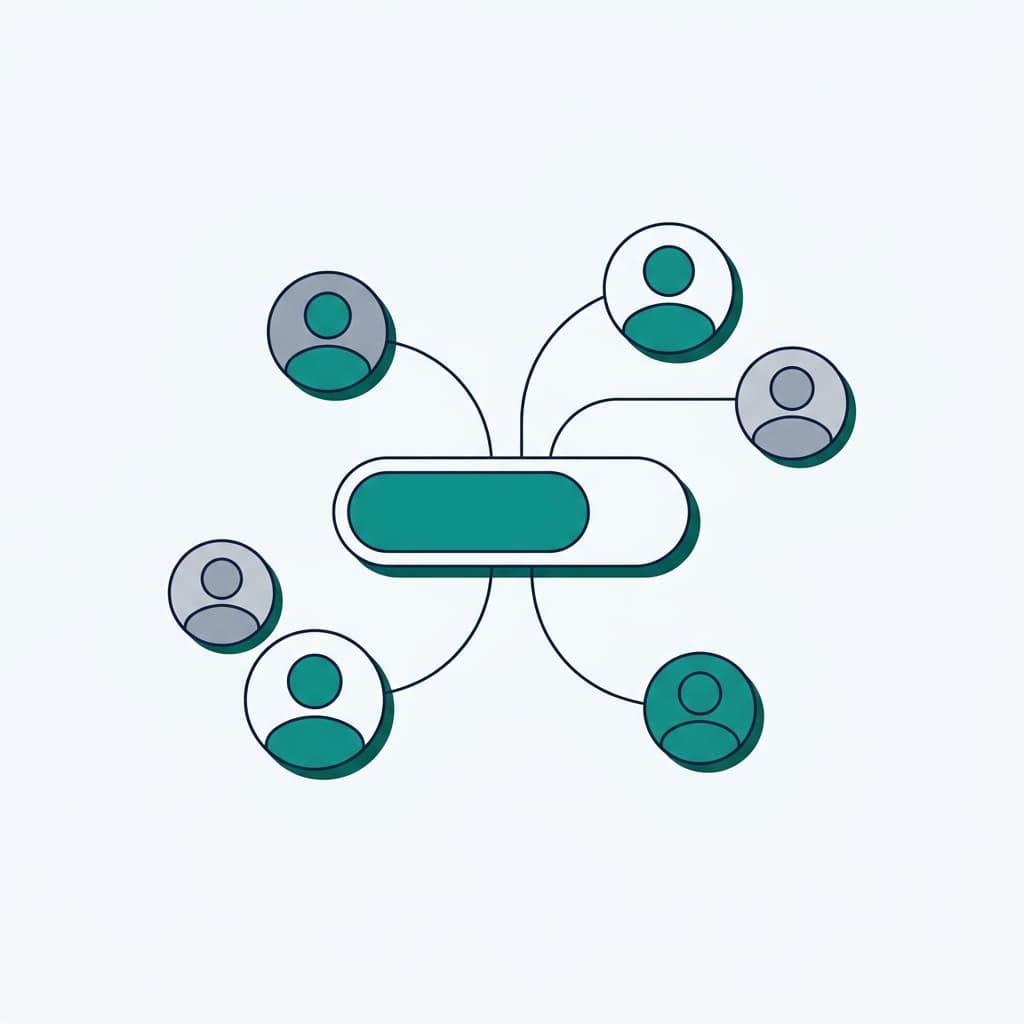
Company accounts share one balance instead of paying per seat. Buy hours once or take a monthly plan — every member draws from the same pool, and a personal balance is simply frozen, not billed, while someone is part of the company.

Your own AI agent can read the archive

MCP lets your company's own AI client — Claude Desktop, Cursor, an internal agent — search and summarize the conversations your company chose to keep. The data goes to the model you connect; SubLive stays the gatekeeper and the record.

Captions in 60 languages

Live captions everywhere speech plays in a tab — meetings, lectures, webinars, recorded video — in 60 languages, useful anywhere your team or your audience needs to follow along in their own language.
Speaks your company's own words

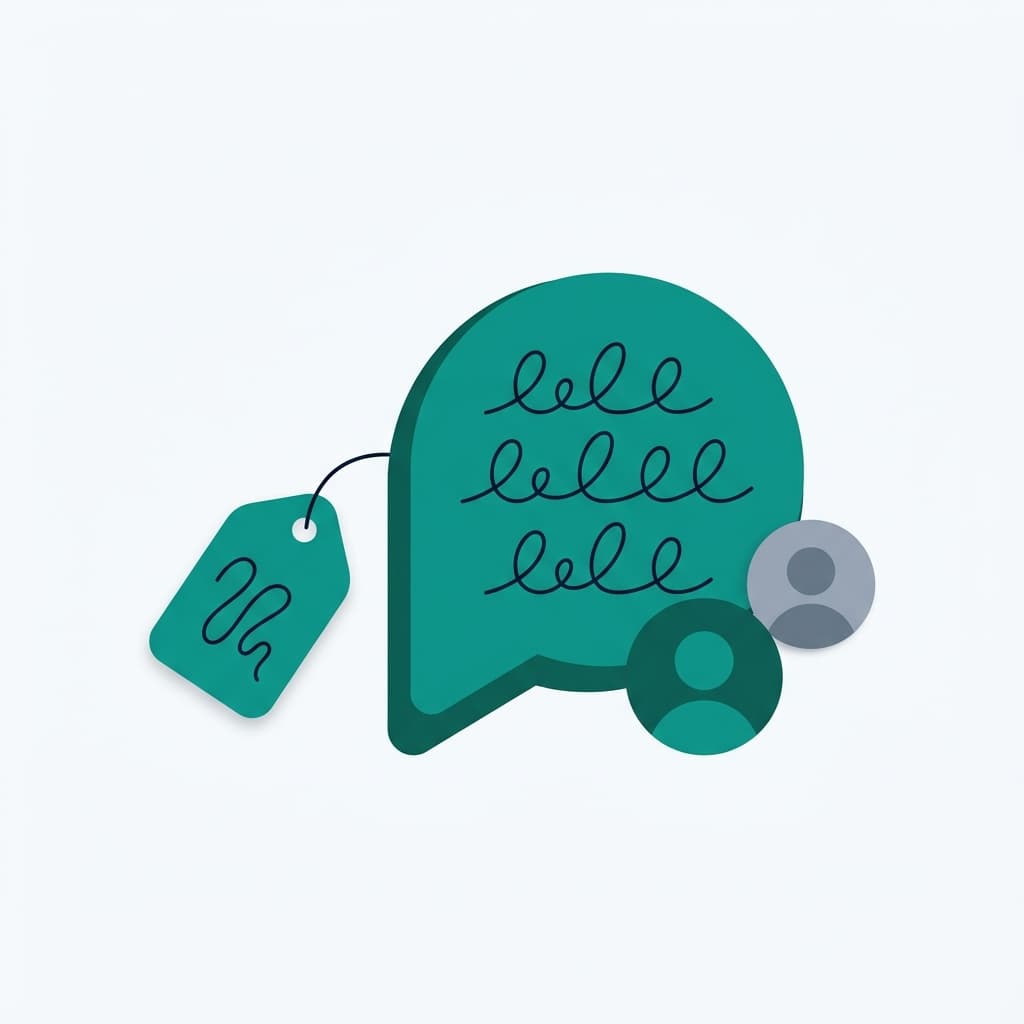
A shared glossary makes product names and internal terms come out the way your team actually says them, not a generic guess.

Prepared answers for your team

An administrator writes down the answers to questions your people hear every week: price, how you differ, policy. In the Answers panel those wordings come first, however the question is phrased and in whatever language. A company can keep a few hundred of them.

What an administrator controls

A company account has two roles: administrator and member. Administrators run the account; members use SubLive and spend from the shared balance. Everything below is done in the company admin panel.

Roles
An administrator tops up the balance, invites and removes people, sets the rules and can see every saved conversation. A member runs subtitles. A company can have several administrators and always keeps at least one.
Invitations by email
Invite people by email, many addresses at once, as members or as administrators. A link works for 14 days and can be resent or withdrawn until it is used. An invitation is how people join.
One shared balance
Every member spends from the company balance, and only an administrator can top it up. A member’s personal balance is frozen while they belong to the company and comes back when they leave. Administrators can set a monthly limit for a person or a team and export usage as a CSV file. A conversation in progress is not cut off the moment the balance reaches zero.
A shared glossary
Company glossaries apply to every session of every member without anyone choosing them. The number of company glossaries depends on the plan.
Saved conversations and their deletion
A conversation is saved only when someone switches that on, and central storage starts only after the company has accepted the data processing agreement. An administrator chooses whether a saved conversation is visible to its author and administrators or to the whole company, and can shorten how long conversations are kept. Only an administrator can delete a company conversation; a member who wants one removed asks them.
A record of actions
The activity log shows who changed a policy, invited or removed someone, or exported a conversation. It holds actions, never speech.
Single sign-on
SSO is not available yet. People join by invitation and sign in with their own SubLive account.

Questions companies ask

Does SubLive support single sign-on (SSO)?
SSO is not available yet. People join a company account by an email invitation from an administrator.
Who can delete a saved conversation?
Only a company admin. A member's request to delete goes through them.
What happens to a personal balance when someone joins a company?
It is frozen while they are a member — their usage is billed to the company instead — and it comes back the moment they leave.
Is this a certified or legally binding translation?
No. Machine transcription and translation make mistakes; check anything with legal or contractual consequences.
Can our data stay off the shared cloud tier?
SubLive supports a local processing tier resolved per company for stricter data requirements — talk to us about your setup.

Ready to try it with your team?

Company plans share one balance across every member — no seats, no licences. Set it up in minutes, cancel whenever you like.