Press kit
Descriptions, facts and images for anyone writing about SubLive.
Short description
SubLive is a Chrome extension that turns speech in any tab into live translated subtitles in 60 languages. No bot joins the call.
Long description
SubLive is a Chrome extension that turns the speech playing in a browser tab into live subtitles in your language. It works on anything the tab plays: video calls in Google Meet, Zoom and Microsoft Teams in the browser, lectures, webinars, live streams and videos. Subtitles appear in a window you can move, resize and keep above other windows, in 60 languages. For 10 languages the spoken language is detected automatically. The translation can also be read aloud. No bot joins the call: the extension listens to the tab in your own browser. SubLive does not store audio, and transcripts are saved only if you turn that on. New accounts get 30 free minutes. When minutes run out, a free mode on Chrome's built-in speech recognition keeps the subtitles going.
Key facts
- Product
- Chrome extension for live translated subtitles
- Subtitle languages
- 60
- Spoken languages detected automatically
- 10: Dutch, English, French, German, Hindi, Italian, Japanese, Portuguese, Russian, and Spanish. The others are chosen from a list.
- Works on
- Any Chrome tab that plays sound: Meet, Zoom, Teams, YouTube, Twitch
- Requirements
- Desktop Chrome 116 or newer
- Free to start
- 30 free minutes after you confirm your email, no card
- Smallest pack
- Mini: 1.5 hours for €5.99
- Company plans
- A shared company balance of 50, 100, and 200 hours, as a one-off pack or monthly
Logo and images
The brand mark is a wave of five bars. There is no separate wordmark file: the name SubLive is set in text next to the mark.
- Brand mark, colour (SVG)
- Brand mark, white, for dark backgrounds (SVG)
- App icon, 512 × 512 (PNG)
- App icon, 128 × 128 (PNG)
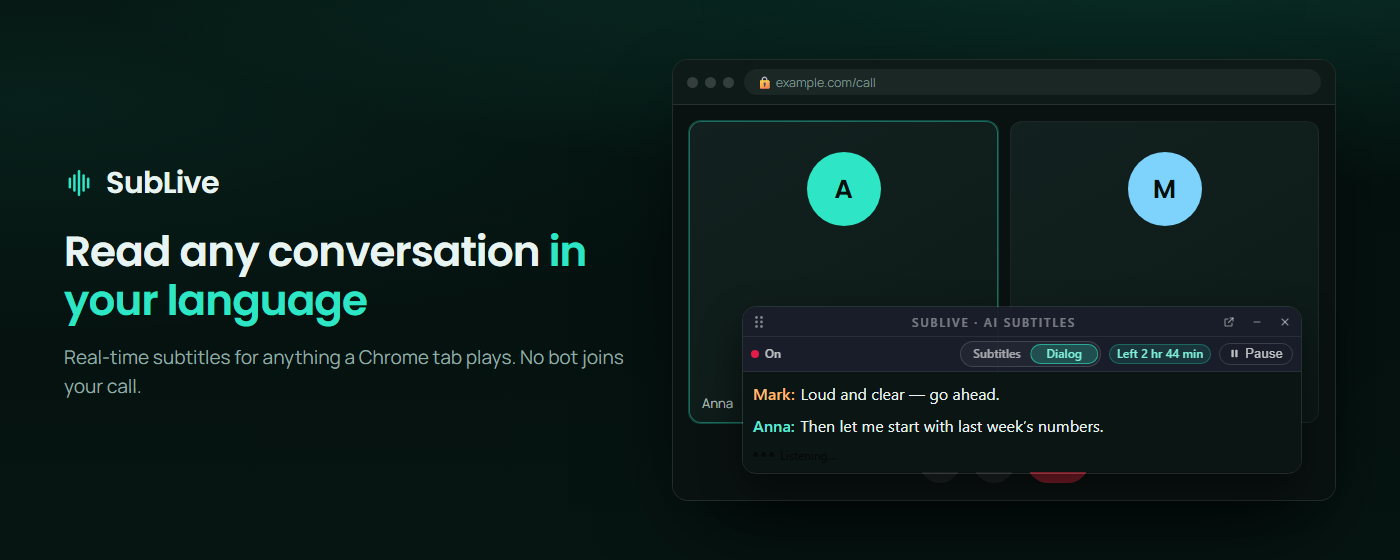
- Banner, 1400 × 560 (PNG)
- Small banner, 440 × 280 (PNG)
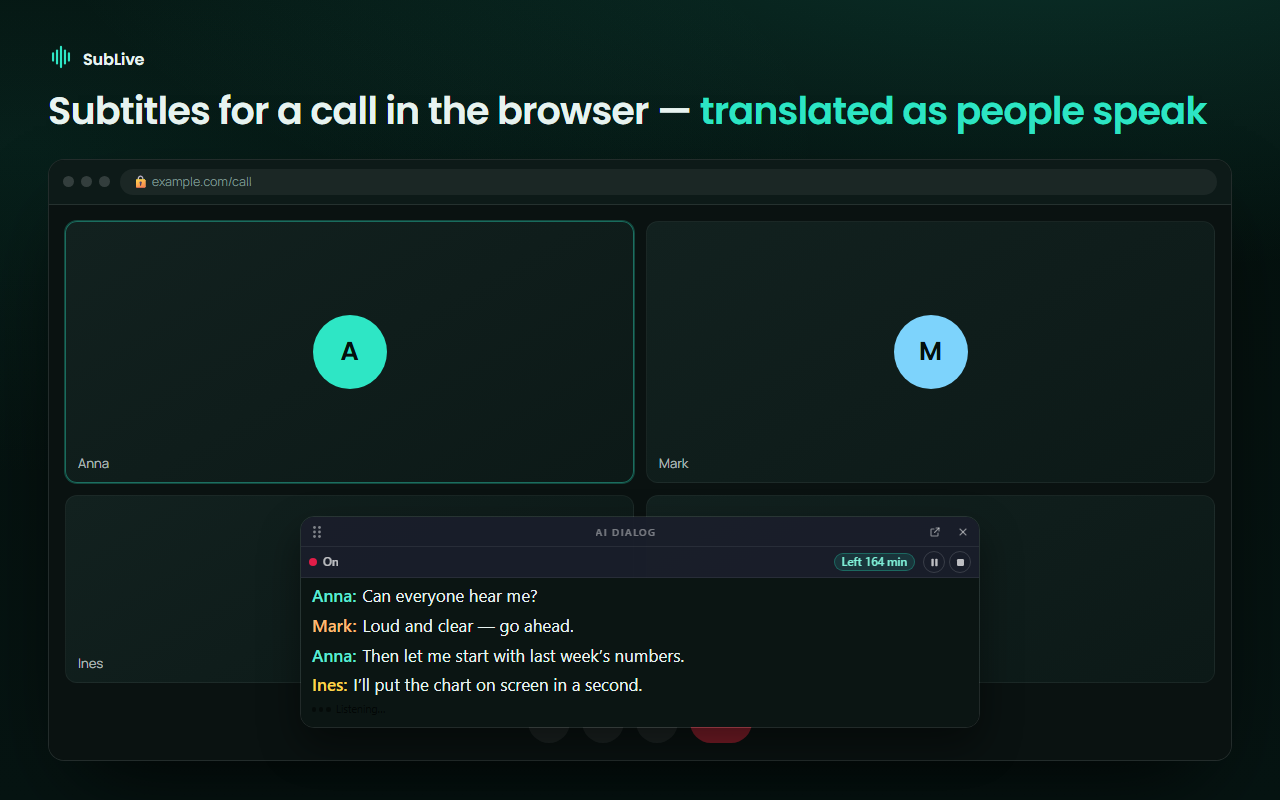
- Screenshot: subtitles on a video call, 1280 × 800 (PNG)
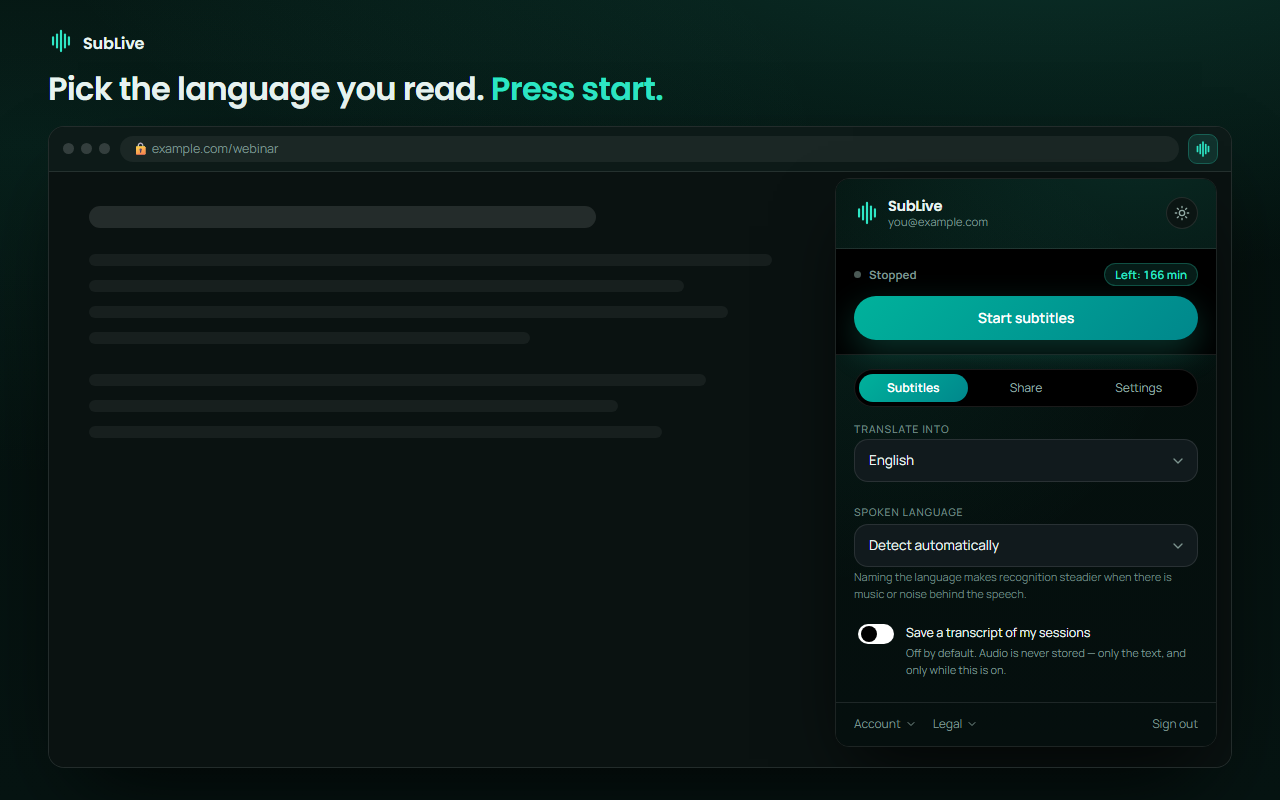
- Screenshot: the extension popup, 1280 × 800 (PNG)
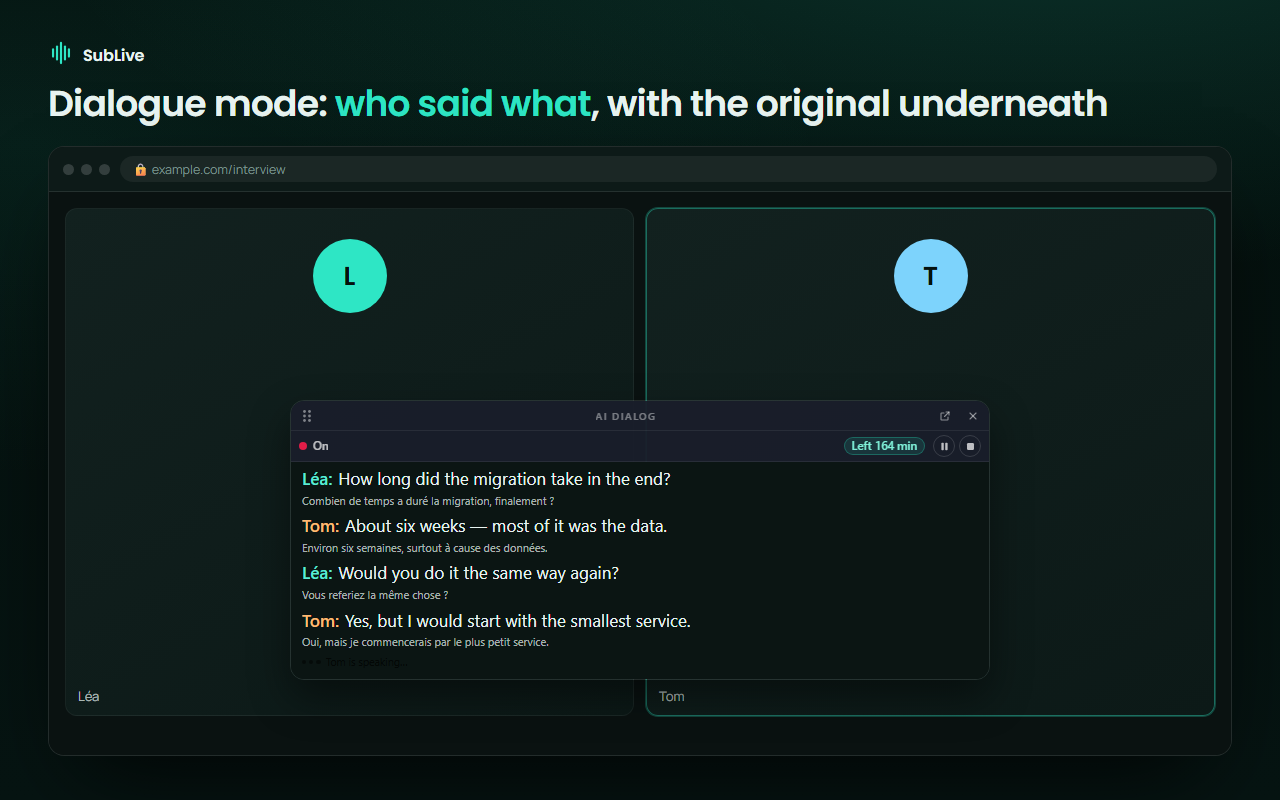
- Screenshot: dialog mode, 1280 × 800 (PNG)
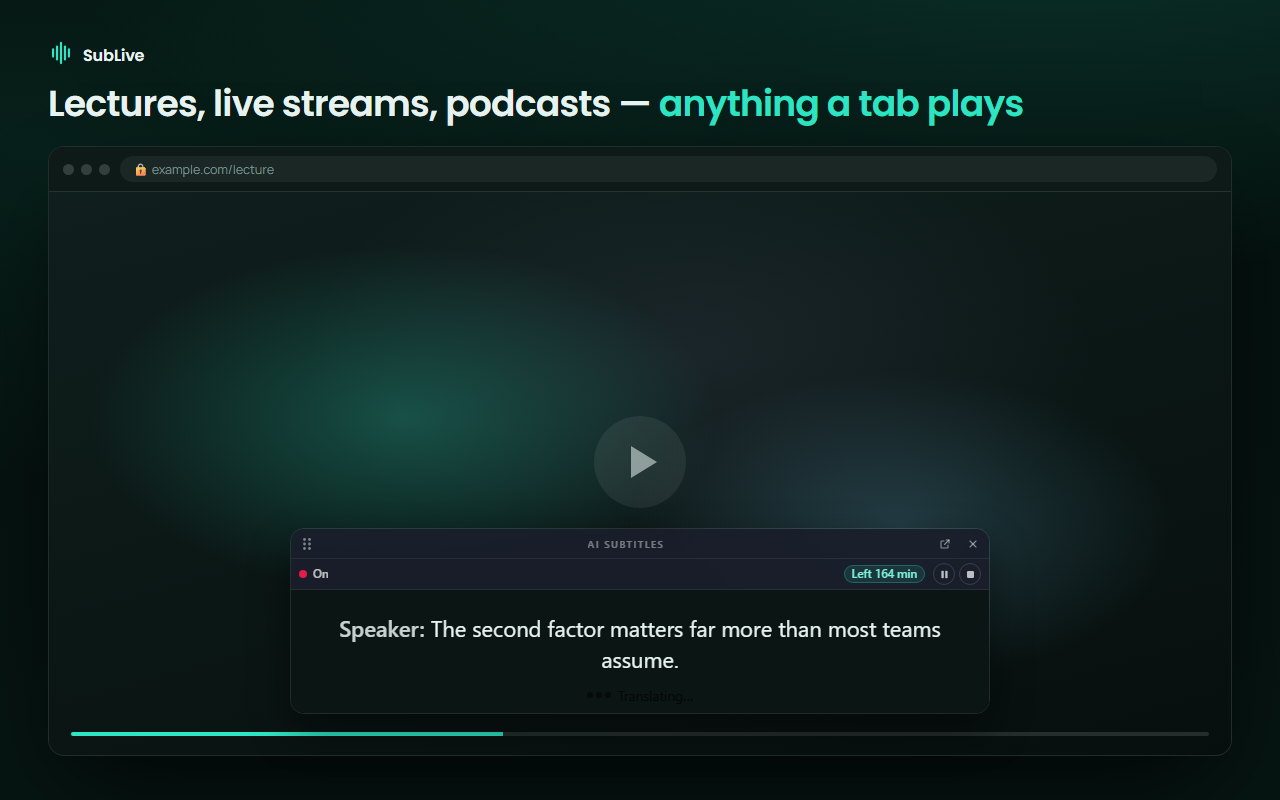
- Screenshot: subtitles on a live stream, 1280 × 800 (PNG)
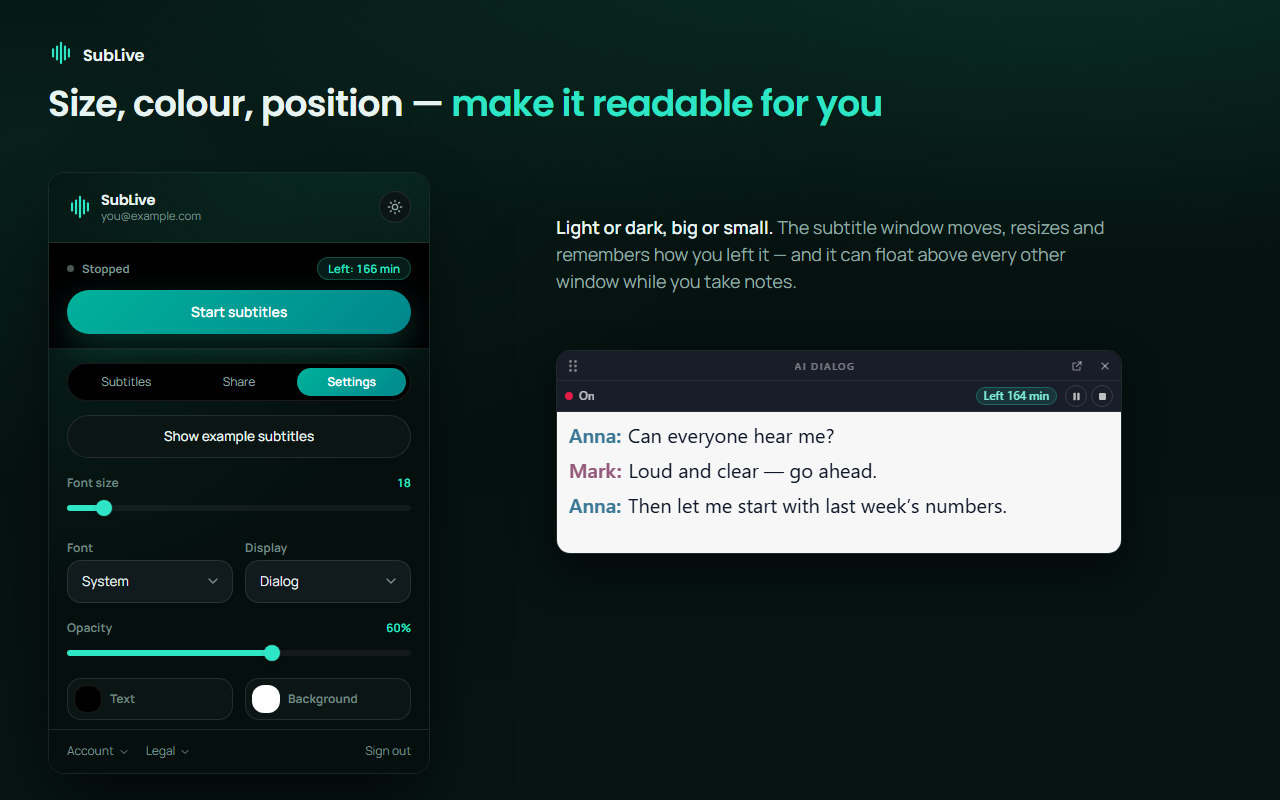
- Screenshot: subtitle appearance settings, 1280 × 800 (PNG)



Links
Contact
Questions from journalists and reviewers go to the support address: support@sublive.app