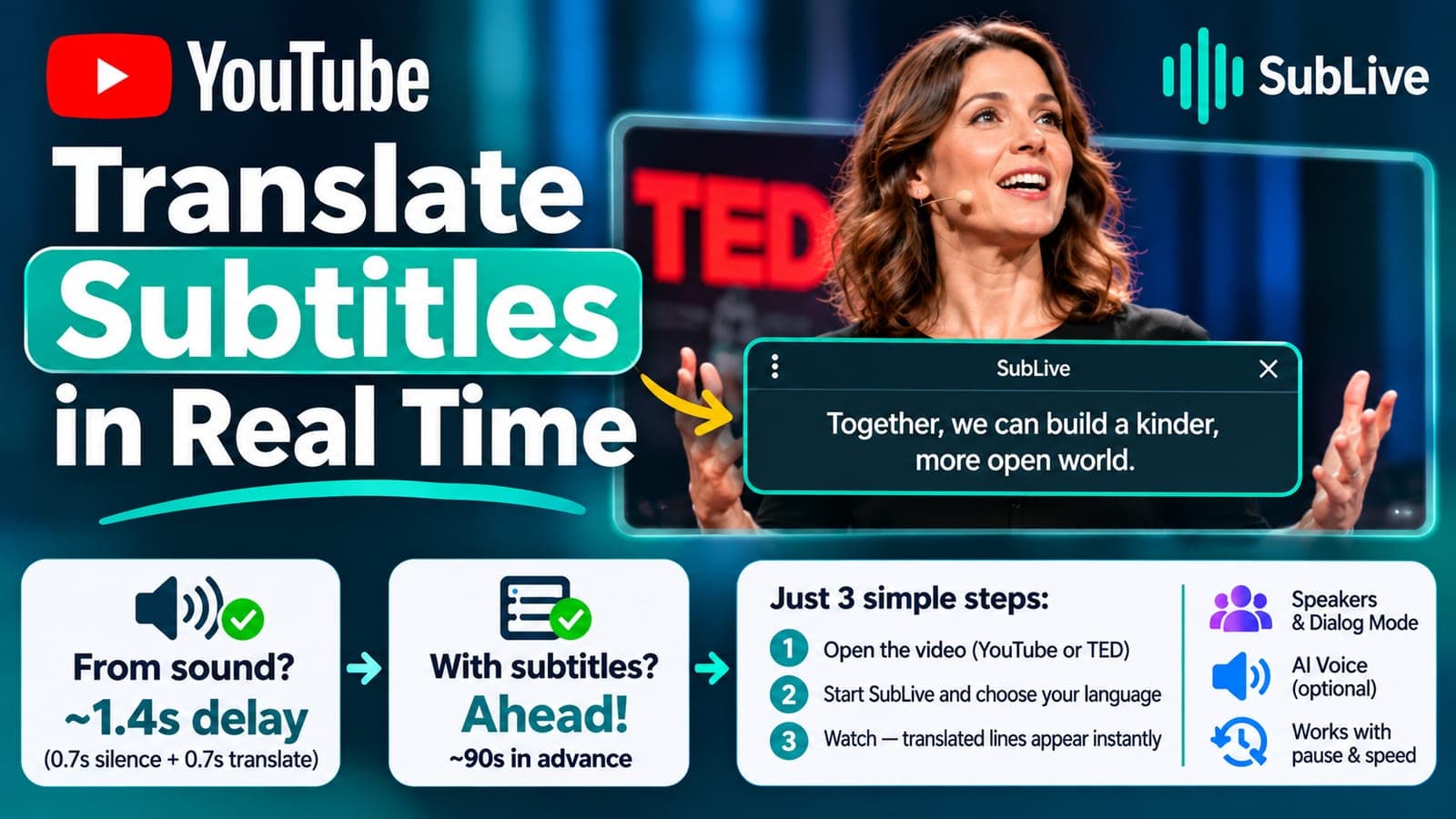
You can translate YouTube subtitles in real time without the extension hearing a word of the video. When a video already has a subtitle track, SubLive reads that track, translates it ahead of playback and puts each line on screen the moment it's spoken. The mode arrived with the 1.4 releases of the extension.
Why translating from the sound is always late
On a call or a live stream SubLive has only the sound. It waits 0.7 seconds of silence to be sure a phrase is over, then translates in about three quarters of a second, so the subtitle shows up roughly 1.6 seconds after the phrase ends (the AI voice needs another second). Fine for a meeting, a constant half-sentence of drift for a lecture. A subtitle track has every line's text before the speaker reaches it.
How to translate YouTube subtitles in real time
- Open the video on YouTube, or on a site whose HTML5 player has a subtitle track. TED is one.
- Start SubLive the usual way and choose the language you read. The install page has the steps; the first 30 minutes are free once your email is confirmed.
- Watch. Each translated line appears together with the speech.
SubLive picks the track itself, in this order: a human-made track already in your language (shown exactly as it is, no machine translation), a human-made track in the video's language (translated), YouTube's auto-generated captions (translated), and finally the sound.
Ahead of the video, and in whole sentences
SubLive translates about ninety seconds of the track in advance and asks for the next stretch thirty seconds before the first runs out, so the video never waits for the translator. It follows the video's own clock, which means pausing, rewinding and double speed leave every line in place. YouTube's automatic captions come in fragments of a word or two, so SubLive first puts them back into sentences and translates each one together with the lines around it.
Speakers and voice
Some tracks mark a new speaker with >> or name one in a <v Name> tag, and SubLive reads both, so dialog mode can label the turns of an interview. Reading is the default. If you'd rather listen, the AI voice reads the translated lines aloud and the original sound drops quieter underneath; it stays off until you choose a voice.
Questions about translating video subtitles
Can I keep the original sound and read the translation?
Yes, that's the default. The video plays as it is and the translated lines appear in the subtitle window, with the original text underneath if you want it.
What if the video has no subtitles at all?
SubLive listens to the sound the way it does on a call. The subtitles then run about a sentence behind the speaker.
Does a human-made track in my language get machine-translated again?
No. It's shown as it is.